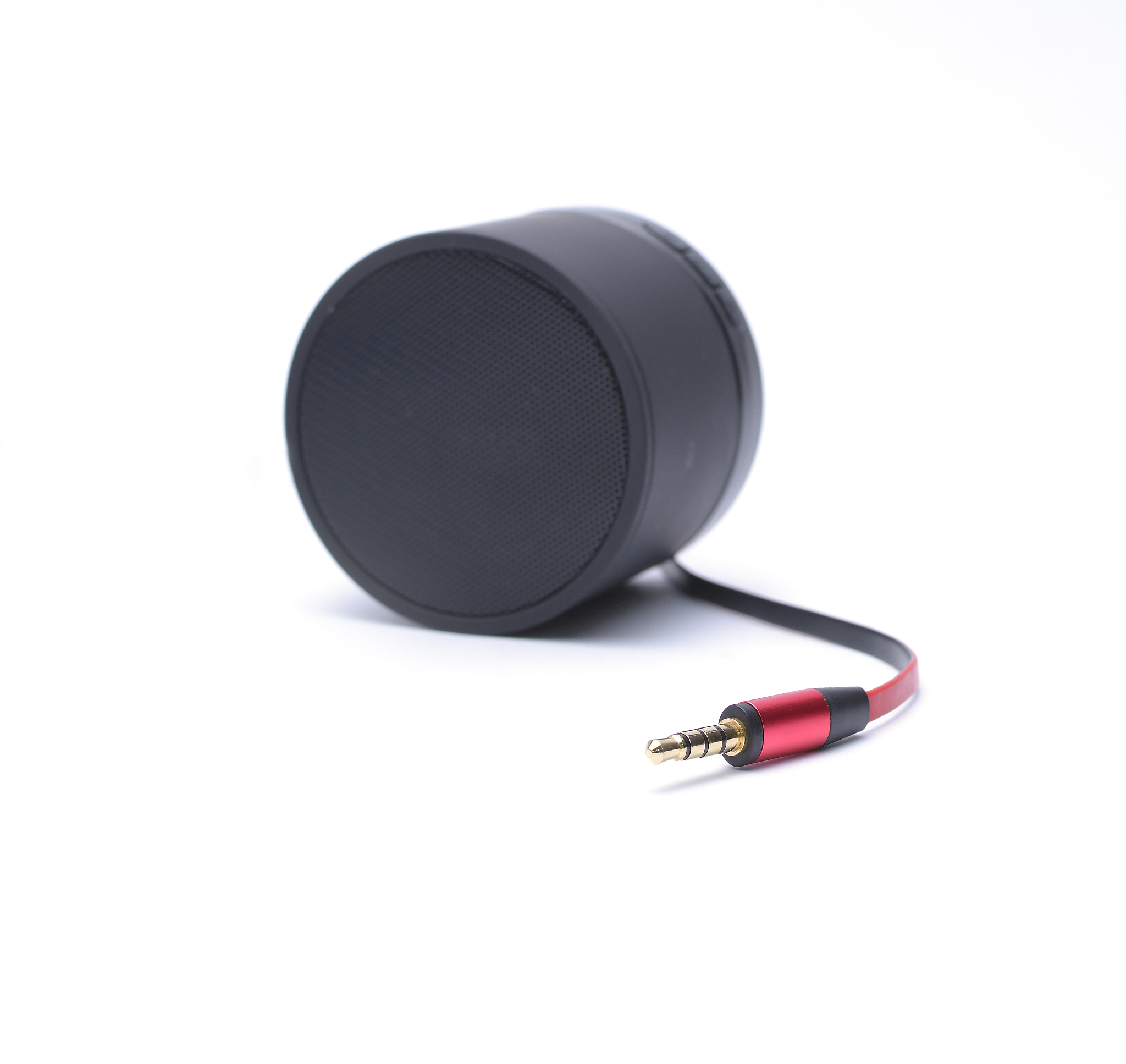
B9000 English Instruction ManualBluetooth mini speakerAn instruction manualModel B9000Mobile phone IPAD notebook computer the best Audio CompanionOperation● Touch panel and main function of each key T
background charging, to ensure that the speaker has enough power to play music.
Bluetooth connection:
-
Turn on the Bluetooth device (mobile phone, tablet, computer, etc.) and search for Bluetooth devices nearby.
-
Find the Bluetooth speaker B9000 and connect it.
-
After the connection is successful, the blue indicator light of the speaker will flash slowly, and you can play music through the Bluetooth device.
TF card music playback:
-
Insert the TF card into the TF card slot.
-
The speaker will automatically read the music files in the TF card and play them.
-
Press the "Play / pause / function switch" button to switch between the playback modes.
-
Adjust the volume and switch songs with the corresponding buttons.
Charging precautions:
-
When charging with a mobile phone charger, please make sure that the output voltage of the charger is 5V and the output current is greater than 500mA.
-
Do not charge the speaker with a charger with a voltage or current higher than the specified value, which may cause damage to the speaker.
-
When charging, please do not use the speaker to play music to avoid affecting the charging effect.
-
When the speaker is fully charged, the red indicator light will turn off automatically.
-
If the speaker has not been used for a long time, please charge it once every three months to maintain the battery life.
Maintenance:
-
Do not use the speaker in a humid environment or near water to prevent damage to the internal circuit.
-
Do not disassemble or modify the speaker to avoid damage to the internal parts.
-
Clean the surface of the speaker with a soft cloth, do not use corrosive solvents or chemicals to clean.
-
If the speaker is not used for a long time, please turn it off and store it in a dry and cool place.
Note:
-
This product is a Bluetooth speaker, which can be used with Bluetooth-enabled devices such as mobile phones, tablets, and computers.
-
Please read the instructions carefully before using the product.
-
The product has a built-in rechargeable lithium battery, which can be charged through the USB interface.
-
The product supports TF card playback, and supports MP3, WMA, WAV and other audio formats.
-
The product has a compact and portable design, which is convenient to carry and suitable for use in various occasions
原文地址: https://www.cveoy.top/t/topic/fkF6 著作权归作者所有。请勿转载和采集!