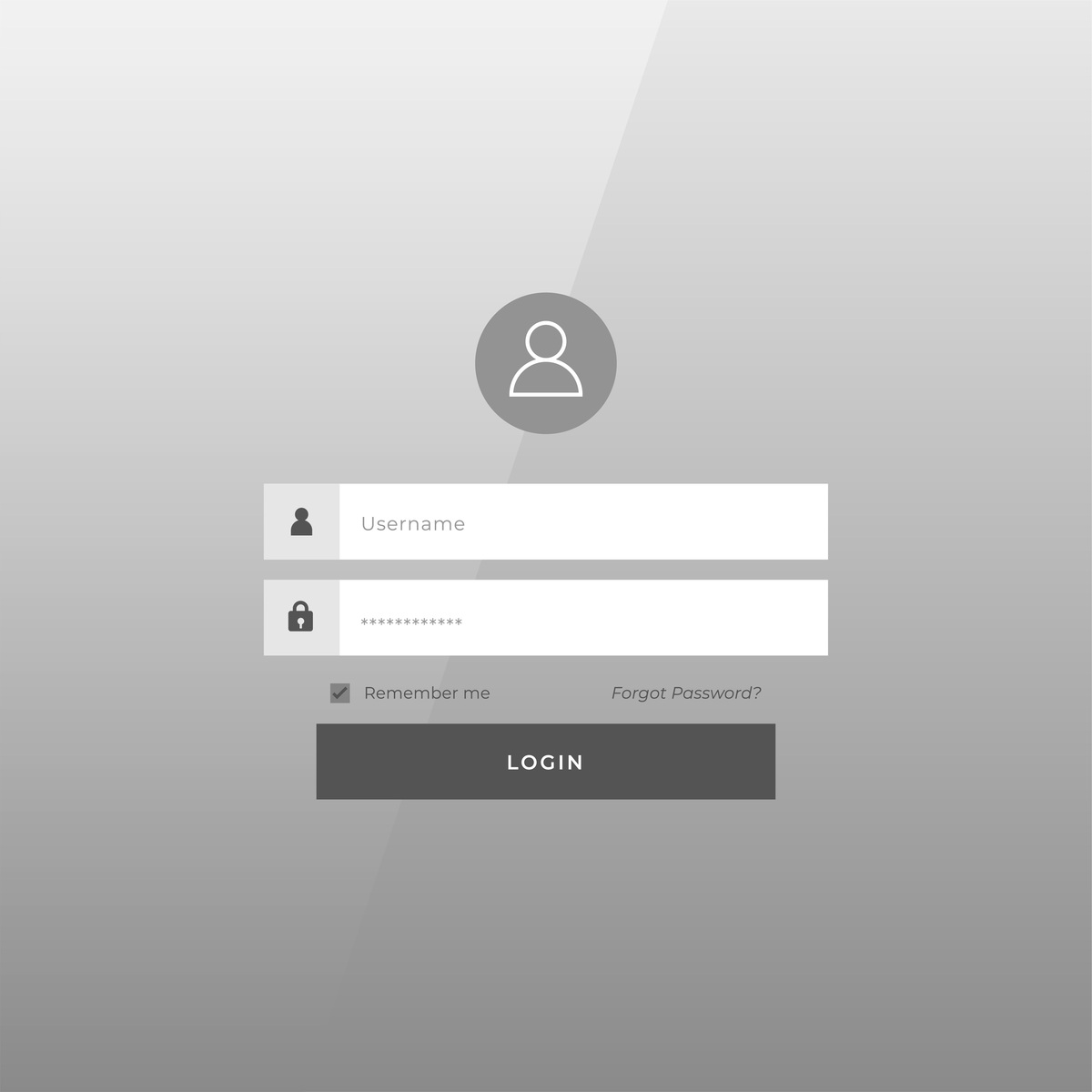
用uniapp框架登陆页面生成vue2格式template这种的代码无需任何文字说明只要源码即可
<template>
  <view class="container">
    <view class="logo"></view>
    <form class="login-form">
      <view class="form-item">
        <input type="text" placeholder="请输入用户名" v-model="username" />
      </view>
      <view class="form-item">
        <input type="password" placeholder="请输入密码" v-model="password" />
      </view>
      <view class="form-item">
        <button class="login-btn" @click="login">登录</button>
      </view>
    </form>
  </view>
</template>
<script>
  export default {
    data() {
      return {
        username: '',
        password: ''
      }
    },
    methods: {
      login() {
        // 登录逻辑
      }
    }
  }
</script>
<style scoped>
  .container {
    display: flex;
    flex-direction: column;
    align-items: center;
    justify-content: center;
    height: 100%;
  }
  .logo {
    width: 120rpx;
    height: 120rpx;
    background-color: #ccc;
    margin-bottom: 40rpx;
  }
  .login-form {
    width: 80%;
    display: flex;
    flex-direction: column;
    align-items: center;
  }
  .form-item {
    width: 100%;
    margin-bottom: 20rpx;
  }
  input {
    width: 100%;
    height: 80rpx;
    padding-left: 20rpx;
    border: none;
    outline: none;
    border-radius: 10rpx;
    background-color: #f2f2f2;
    font-size: 30rpx;
    color: #333;
  }
  .login-btn {
    width: 100%;
    height: 80rpx;
    background-color: #007aff;
    border: none;
    outline: none;
    border-radius: 10rpx;
    font-size: 32rpx;
    color: #fff;
  }
</style>
原文地址: http://www.cveoy.top/t/topic/brPe 著作权归作者所有。请勿转载和采集!