Python生成美丽风景图片代码示例 - Pillow库入门
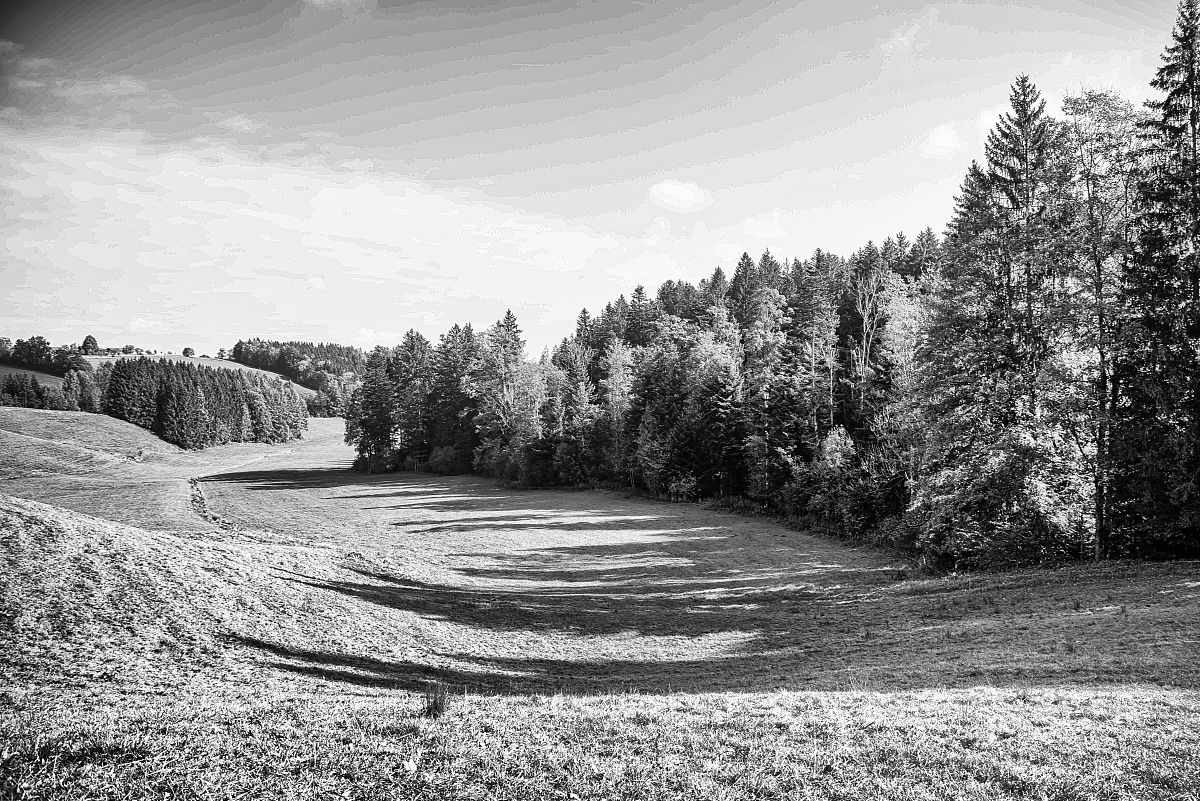
使用Python和Pillow库生成一张简单的美丽风景图片,这是一个简单的示例,展示了如何使用Pillow库来绘制基本图形元素,并生成一张基本的风景图片。
from PIL import Image, ImageDraw

# 创建一个新的图像,大小为800x600像素,背景为天蓝色
image = Image.new('RGB', (800, 600), (135, 206, 250))
draw = ImageDraw.Draw(image)

# 绘制太阳
sun_radius = 100
sun_position = (100, 100)
draw.ellipse((sun_position[0]-sun_radius, sun_position[1]-sun_radius,
              sun_position[0]+sun_radius, sun_position[1]+sun_radius),
             fill=(255, 255, 0))  # 黄色

# 绘制草地
draw.rectangle((0, 400, 800, 600), fill=(34, 139, 34))  # 深绿色

# 绘制小山丘
hill_height = 200
draw.polygon([(0, 400), (400, 200), (800, 400)], fill=(210, 180, 140))  # 灰褐色

# 绘制树木
tree_trunk_width = 50
tree_trunk_height = 200
tree_top_radius = 100
tree_position = (600, 400)
draw.rectangle((tree_position[0]-tree_trunk_width//2, tree_position[1],
                tree_position[0]+tree_trunk_width//2, tree_position[1]+tree_trunk_height),
               fill=(139, 69, 19))  # 棕色
draw.ellipse((tree_position[0]-tree_top_radius, tree_position[1]-tree_top_radius-tree_trunk_height,
              tree_position[0]+tree_top_radius, tree_position[1]+tree_top_radius-tree_trunk_height),
             fill=(0, 100, 0))  # 深绿色

# 保存图像
image.save('beautiful_landscape.jpg')
运行上述代码后,将会生成一张名为'beautiful_landscape.jpg'的美丽风景图片。你可以根据需要修改代码中的绘制参数和颜色来创建不同的风景效果。同时,你也可以使用其他图像处理库来实现更复杂的图像生成和编辑。
原文地址: https://www.cveoy.top/t/topic/pt0 著作权归作者所有。请勿转载和采集!