操作系统打印池设计模式 - 单例模式实现
操作系统打印池设计模式 - 单例模式实现
打印池在操作系统中是一个用于管理打印任务的应用程序,在日常使用中我们可以任何的程序下如在word下,excel下或者图片工具、浏览器中调用打印的服务,进行打印,而且通过打印池用户可以删除、中止或者改变打印任务的优先级。
选择设计模式:单例模式
单例模式非常适合设计打印池,因为它确保了只有一个打印池实例,防止多个应用程序同时操作同一个打印池,造成混乱。
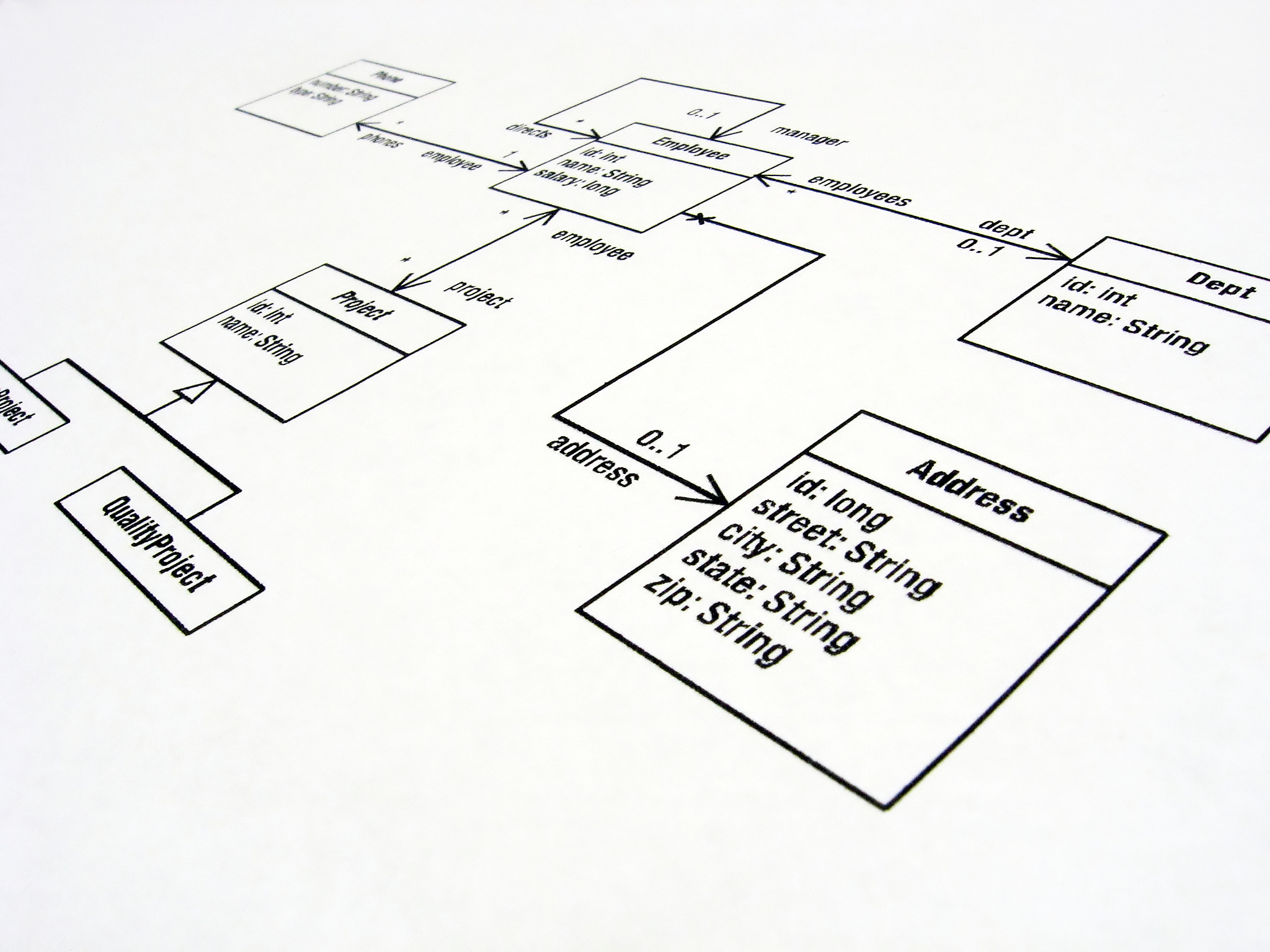
类图

代码实现
// 打印任务类
public class PrintJob {
    private String content; // 打印内容
    private int priority; // 优先级

    public PrintJob(String content, int priority) {
        this.content = content;
        this.priority = priority;
    }

    public String getContent() {
        return content;
    }

    public int getPriority() {
        return priority;
    }

    public void setPriority(int priority) {
        this.priority = priority;
    }

    public void print() {
        System.out.println('打印任务:' + content);
    }
}

// 打印池类
public class PrintPool {
    private static PrintPool instance; // 单例实例
    private List<PrintJob> jobs = new ArrayList<>(); // 打印任务列表

    private PrintPool() {}

    // 获取单例实例
    public static synchronized PrintPool getInstance() {
        if (instance == null) {
            instance = new PrintPool();
        }
        return instance;
    }

    // 添加打印任务
    public synchronized void addJob(PrintJob job) {
        jobs.add(job);
    }

    // 删除打印任务
    public synchronized void removeJob(PrintJob job) {
        jobs.remove(job);
    }

    // 中止打印任务
    public synchronized void abortJob(PrintJob job) {
        job.setPriority(0);
    }

    // 改变打印任务优先级
    public synchronized void changePriority(PrintJob job, int priority) {
        job.setPriority(priority);
    }

    // 执行打印任务
    public synchronized void executeJobs() {
        Collections.sort(jobs, (a, b) -> b.getPriority() - a.getPriority()); // 按照优先级从高到低排序
        for (PrintJob job : jobs) {
            job.print(); // 打印任务
        }
        jobs.clear(); // 清空打印任务列表
    }
}

// 测试代码
public class Main {
    public static void main(String[] args) {
        PrintPool pool = PrintPool.getInstance();
        pool.addJob(new PrintJob('打印任务1', 2));
        pool.addJob(new PrintJob('打印任务2', 1));
        pool.addJob(new PrintJob('打印任务3', 3));
        pool.executeJobs();
    }
}
输出结果
打印任务:打印任务3
打印任务:打印任务1
打印任务:打印任务2
原文地址: https://www.cveoy.top/t/topic/nrSj 著作权归作者所有。请勿转载和采集!