用 C 语言和 Python 绘制万花筒图案
用 C 语言和 Python 绘制万花筒图案
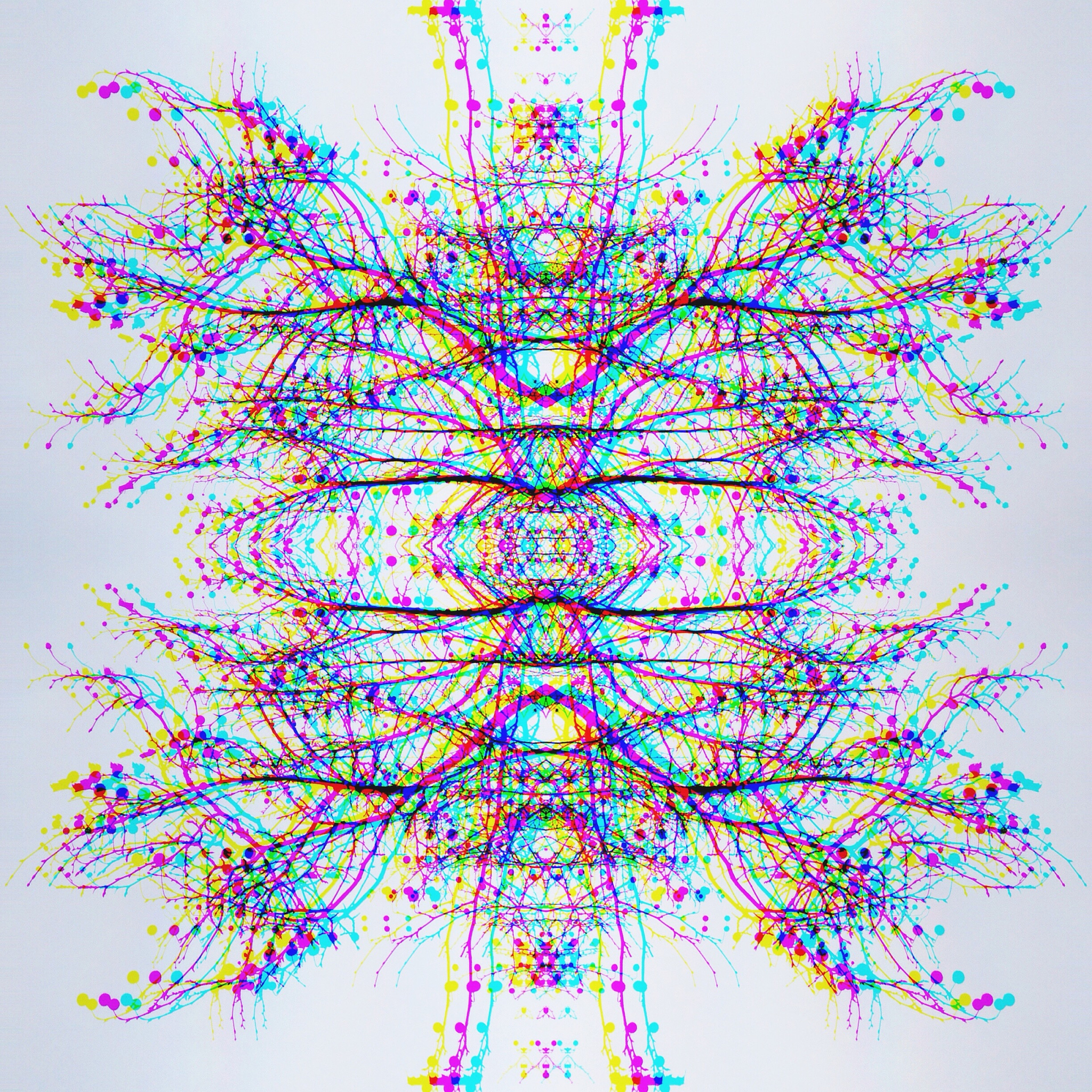
万花筒是一种利用反射原理形成对称图案的玩具。我们可以使用编程语言来模拟万花筒的效果,并绘制出具有视觉冲击力的图案。以下将使用 C 语言和 Python 代码来实现万花筒的绘制。
C 语言代码
#include <graphics.h>
#include <math.h>
#include <stdio.h>

int main()
{
    int gd = DETECT, gm;
    initgraph(&gd, &gm, "");

    int x0 = getmaxx() / 2;
    int y0 = getmaxy() / 2;

    int r = 200;
    int n = 60;
    int d = 10;

    for (int i = 0; i < n; i++)
    {
        double a = i * 2 * M_PI / n;
        double b = (i * d) % n * 2 * M_PI / n;
        int x1 = x0 + r * cos(a);
        int y1 = y0 + r * sin(a);
        int x2 = x0 + r * cos(b);
        int y2 = y0 + r * sin(b);
        setcolor(i % 15 + 1);
        line(x1, y1, x2, y2);
    }

    getch();
    closegraph();
    return 0;
}
Python 代码
import turtle
import math

def draw_kaleidoscope(x0, y0, r, n, d):
    turtle.speed(0)
    turtle.hideturtle()
    turtle.penup()
    turtle.goto(x0, y0)
    turtle.pendown()
    turtle.color('black')
    turtle.bgcolor('white')
    for i in range(n):
        a = i * 2 * math.pi / n
        b = (i * d) % n * 2 * math.pi / n
        x1 = x0 + r * math.cos(a)
        y1 = y0 + r * math.sin(a)
        x2 = x0 + r * math.cos(b)
        y2 = y0 + r * math.sin(b)
        turtle.penup()
        turtle.goto(x1, y1)
        turtle.pendown()
        turtle.color(i % 15 + 1)
        turtle.goto(x2, y2)

draw_kaleidoscope(0, 0, 200, 60, 10)
turtle.done()
以上代码使用了简单的算法来模拟万花筒的效果。核心思想是通过循环绘制一系列线段,这些线段的端点分别位于以中心点为圆心、不同半径为半径的圆周上。通过控制线段的个数、角度以及颜色,我们可以生成不同的万花筒图案。
总结:
通过以上代码示例,我们可以看到使用 C 语言和 Python 代码绘制万花筒图案是非常简单且直观的。利用编程语言可以轻松实现各种图形效果,并为我们提供更多的创意空间。
原文地址: https://www.cveoy.top/t/topic/mIWh 著作权归作者所有。请勿转载和采集!