如何给 HTML 网页添加访问密码?
要给 HTML 网页增加访问密码,可以使用以下步骤:
- 在 HTML 代码中添加一个表单,包括一个密码输入框和一个提交按钮:
<form id='password-form'>
  <label for='password-input'>请输入密码:</label>
  <input type='password' id='password-input' name='password'>
  <input type='submit' value='提交'>
</form>
- 在页面中添加一个 JavaScript 函数,用于验证输入的密码是否正确:
function checkPassword() {
  var password = document.getElementById('password-input').value;
  if (password == 'mypassword') { // 修改为你的密码
    document.getElementById('password-form').style.display = 'none';
  } else {
    alert('密码错误,请重新输入。');
  }
}
- 在页面的 CSS 样式中设置表单的样式和显示方式:
#password-form {
  position: fixed;
  top: 0;
  left: 0;
  width: 100%;
  height: 100%;
  background-color: #fff;
  z-index: 9999;
  display: flex;
  justify-content: center;
  align-items: center;
}

#password-form label {
  display: block;
  margin-bottom: 10px;
}

#password-form input[type='password'] {
  display: block;
  padding: 5px;
  border: 1px solid #ccc;
  border-radius: 3px;
  margin-bottom: 10px;
}

#password-form input[type='submit'] {
  display: block;
  padding: 5px 10px;
  background-color: #007bff;
  color: #fff;
  border: none;
  border-radius: 3px;
  cursor: pointer;
}
- 在页面的 JavaScript 代码中添加以下代码,用于在页面加载时显示密码输入框:
window.onload = function() {
  document.getElementById('password-form').style.display = 'block';
  document.getElementById('password-form').addEventListener('submit', function(event) {
    event.preventDefault();
    checkPassword();
  });
};
- 将第 2 步中的密码修改为你自己的密码,保存并上传 HTML 文件到服务器上即可。
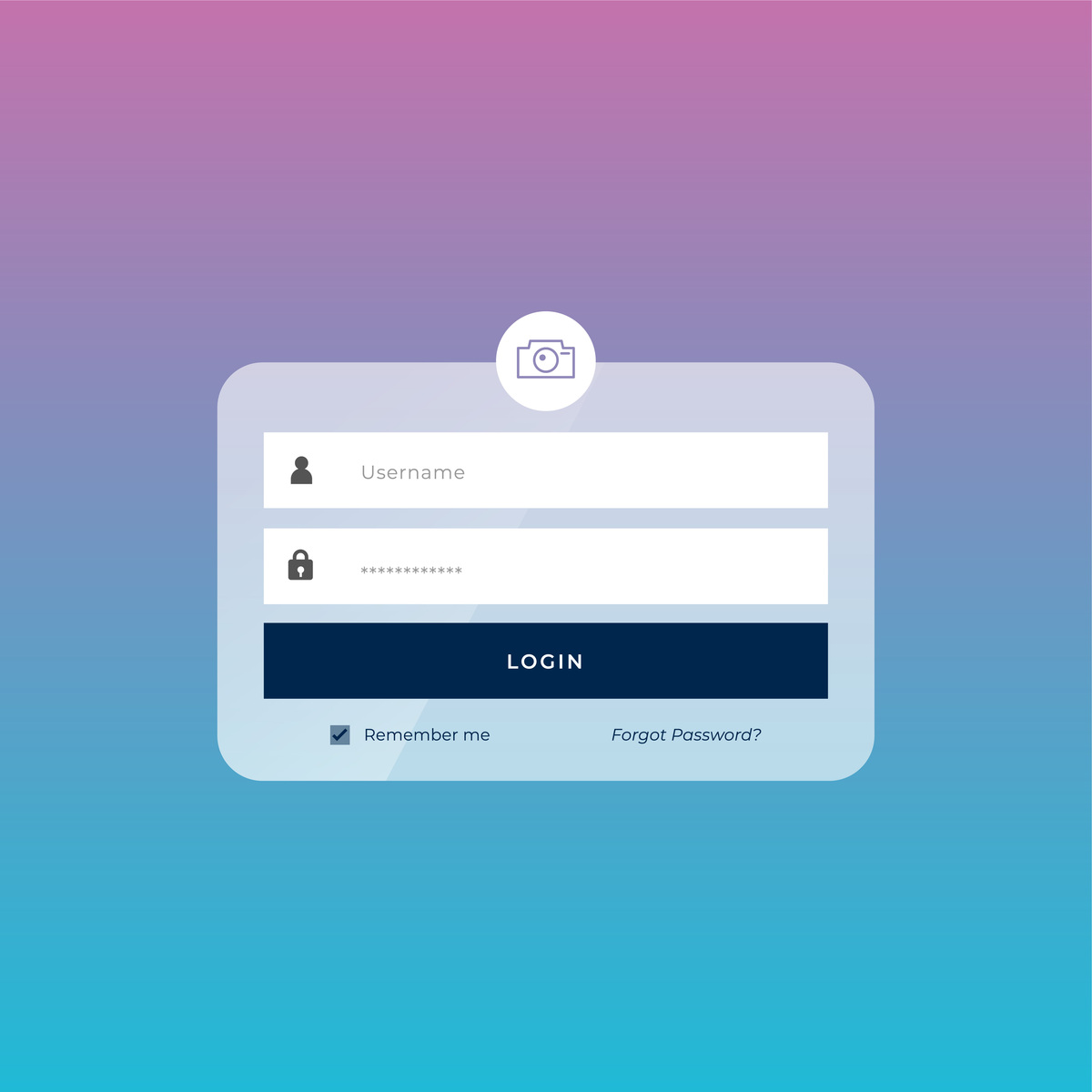
当用户访问页面时,会看到一个密码输入框,只有输入正确的密码才能访问页面内容。
原文地址: https://www.cveoy.top/t/topic/lAaR 著作权归作者所有。请勿转载和采集!