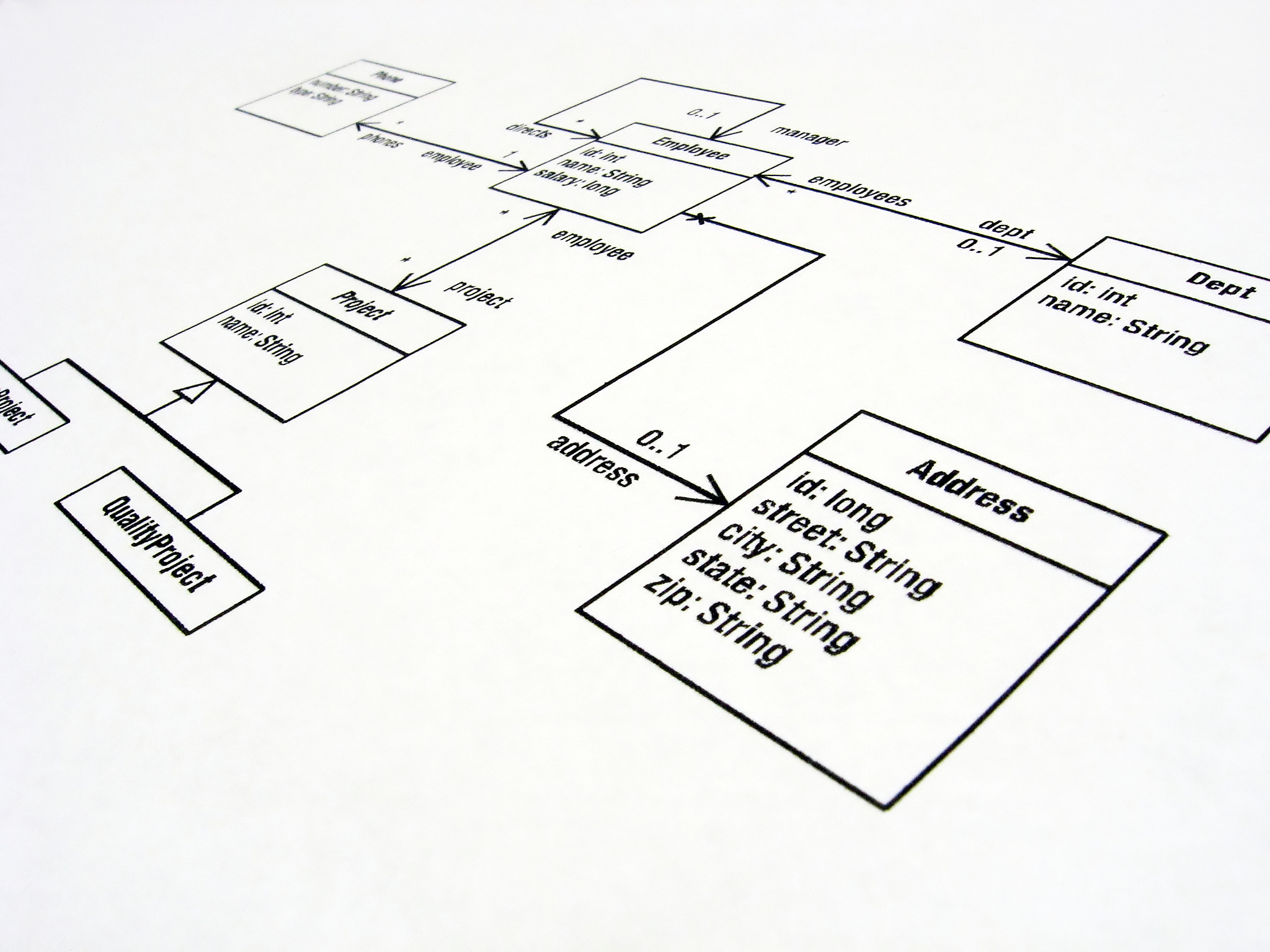
tikz 实现uml类图的绘制 以下为示例都在tikzpicture环境下 如何自定义这样的umlclass命令umlclassx=0y=0name value1 int value2 double value3 string function1a b int function2a string
要自定义这样的\umlclass命令,可以使用tikz的\newcommand命令。以下是一个示例的自定义\umlclass命令的代码:
\begin{verbatim} \newcommand{\umlclass}[4]{ \node[rectangle, draw, #4] (#1) at (#2,#3) {#1}; } \newcommand{\umlclassfields}[2]{ \node[anchor=west] at (#1.west) {#2}; } \newcommand{\umlclassmethods}[2]{ \node[anchor=west] at (#1.west) {#2}; } \newcommand{\umlclassextend}[2]{ \draw[->] (#1.east) -- (#2.west); } \end{verbatim}
然后,你可以使用\umlclass命令来绘制你的uml类图。以下是使用自定义\umlclass命令的代码:
\begin{verbatim} \begin{tikzpicture} \umlclass{name}{value1: int\value2: double\value3: string}{function1(a, b): int\function2(a): string}
\umlclassfields{name}{value1: int\\value2: double\\value3: string}

\umlclassmethods{name}{function1(a, b): int\\function2(a): string}
\end{tikzpicture} \end{verbatim}
这样,你就可以使用\umlclass命令来绘制你的uml类图,并使用\umlclassfields和\umlclassmethods命令来添加字段和方法
原文地址: https://www.cveoy.top/t/topic/im4M 著作权归作者所有。请勿转载和采集!