帮我用vue画一个静态登录界面
很高兴为您提供帮助。以下是一个简单的静态登录页面的Vue代码示例:
<template>
  <div class="login-container">
    <div class="login-form">
      <h1>登录</h1>
      <form>
        <div class="form-group">
          <label for="email">邮箱</label>
          <input type="email" name="email" id="email" required>
        </div>
        <div class="form-group">
          <label for="password">密码</label>
          <input type="password" name="password" id="password" required>
        </div>
        <button type="submit">登录</button>
      </form>
    </div>
  </div>
</template>

<style>
.login-container {
  display: flex;
  justify-content: center;
  align-items: center;
  height: 100vh;
  background-color: #f2f2f2;
}

.login-form {
  background-color: #fff;
  padding: 30px;
  border-radius: 5px;
  box-shadow: 0px 0px 10px rgba(0, 0, 0, 0.1);
}

h1 {
  text-align: center;
  margin-bottom: 20px;
}

.form-group {
  margin-bottom: 20px;
}

label {
  display: block;
  font-weight: bold;
  margin-bottom: 5px;
}

input[type="email"],
input[type="password"] {
  width: 100%;
  padding: 10px;
  border-radius: 5px;
  border: 1px solid #ccc;
}

button[type="submit"] {
  display: block;
  width: 100%;
  padding: 10px;
  margin-top: 20px;
  border-radius: 5px;
  background-color: #4caf50;
  color: #fff;
  border: none;
  cursor: pointer;
  transition: background-color 0.3s ease;
}

button[type="submit"]:hover {
  background-color: #3e8e41;
}
</style>
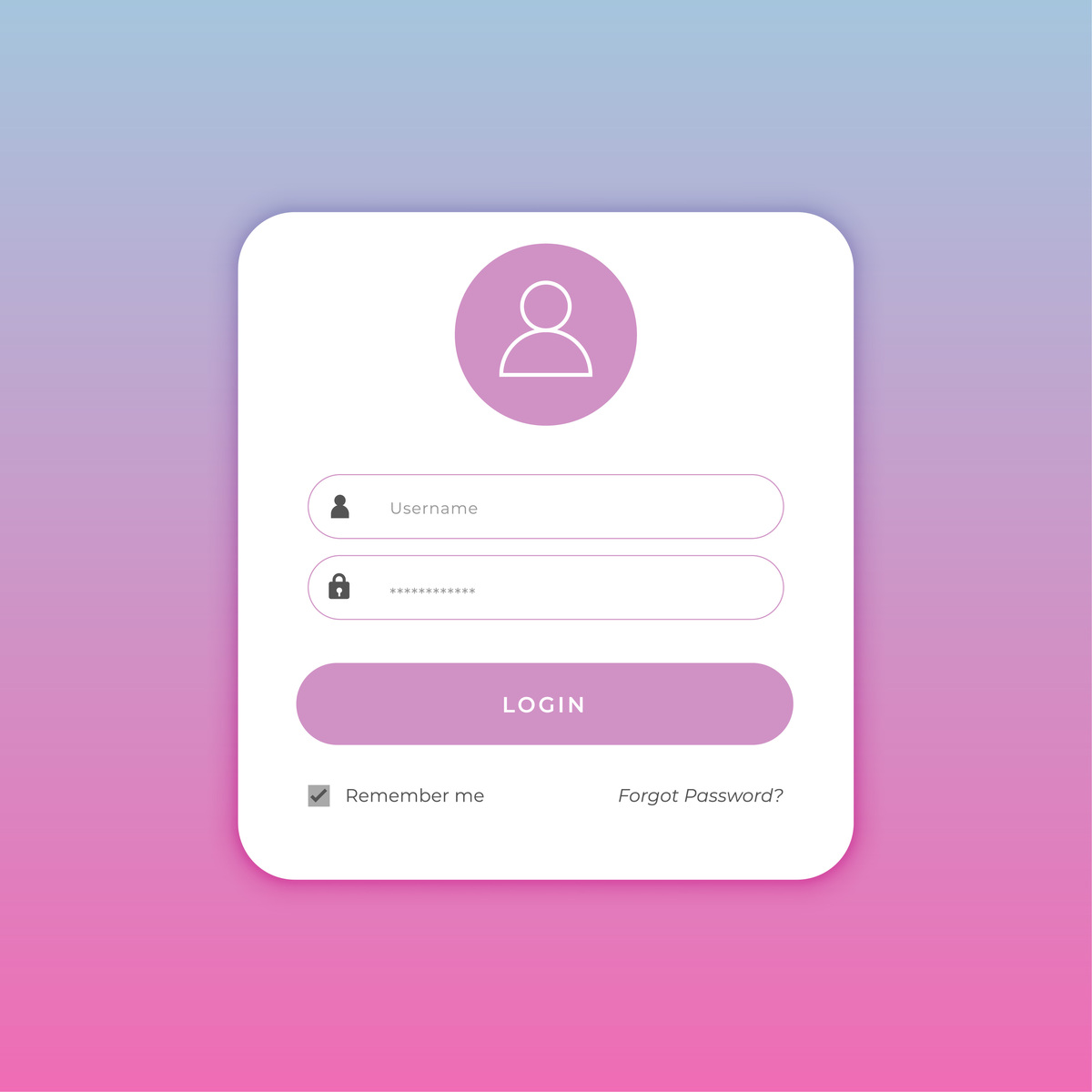
这个页面有一个简单的表单,包括输入邮箱和密码的表单组件,以及一个登录按钮。它还有一个漂亮的背景颜色和阴影,以及一些CSS样式来使其看起来更美观。您可以根据需要对其进行修改或添加更多元素
原文地址: http://www.cveoy.top/t/topic/eJqL 著作权归作者所有。请勿转载和采集!