vue登陆界面
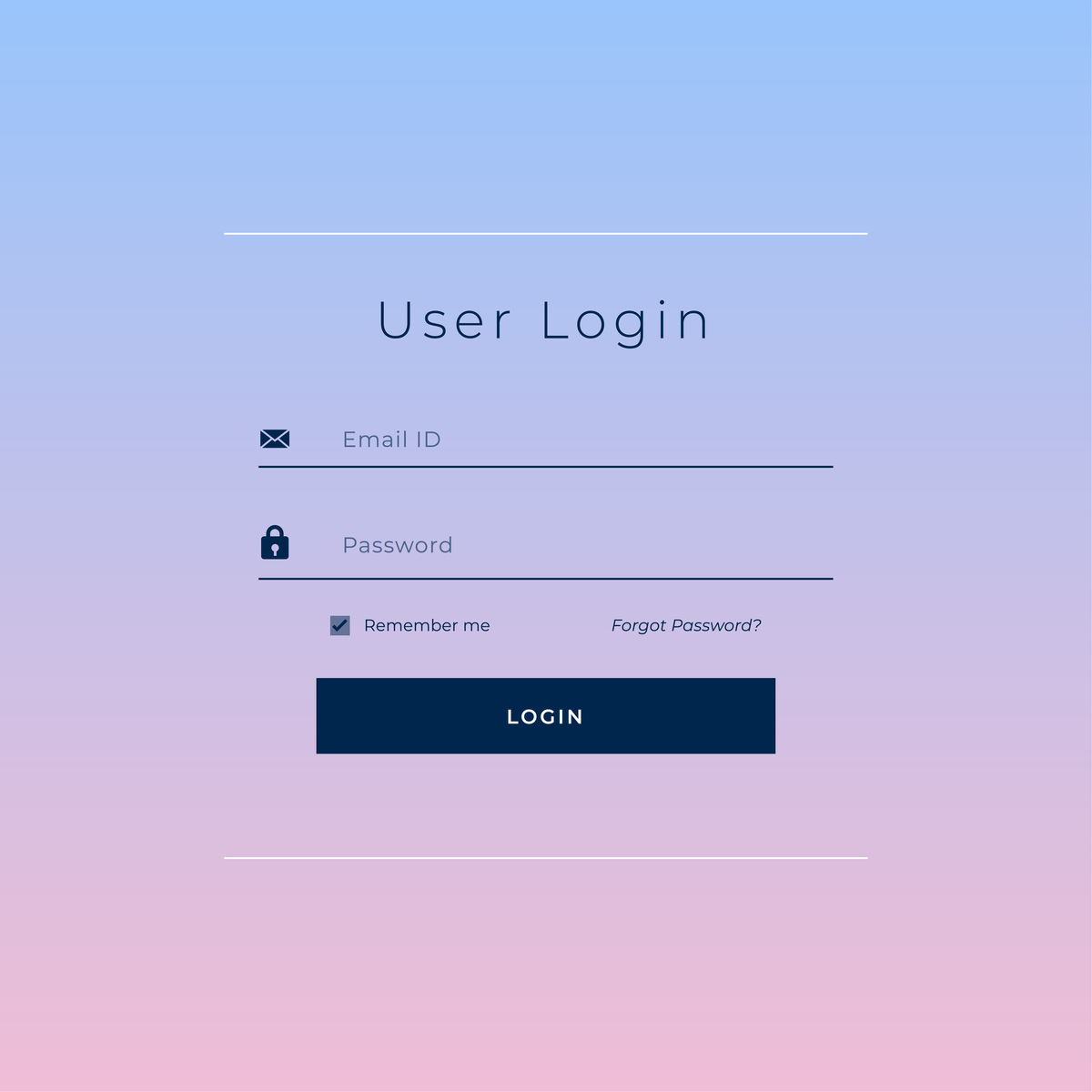
以下是一个简单的Vue登录界面示例:
<template>
  <div class="login-container">
    <h1>Login</h1>
    <form>
      <input type="text" placeholder="Username" v-model="username">
      <input type="password" placeholder="Password" v-model="password">
      <button type="submit" @click.prevent="login">Login</button>
    </form>
  </div>
</template>

<script>
export default {
  name: 'Login',
  data() {
    return {
      username: '',
      password: ''
    }
  },
  methods: {
    login() {
      // 发送登录请求
      this.$http.post('/api/login', {
        username: this.username,
        password: this.password
      }).then(response => {
        // 登录成功,保存token
        localStorage.setItem('token', response.data.token)
        // 跳转到首页
        this.$router.push('/')
      }).catch(error => {
        // 登录失败,提示错误信息
        alert(error.response.data.message)
      })
    }
  }
}
</script>

<style scoped>
.login-container {
  display: flex;
  flex-direction: column;
  align-items: center;
  justify-content: center;
  height: 100vh;
}

h1 {
  margin-bottom: 2rem;
}
form {
  display: flex;
  flex-direction: column;
  align-items: center;
  justify-content: center;
}
input {
  margin-bottom: 1rem;
  padding: 0.5rem;
  border: 1px solid #ccc;
  border-radius: 4px;
  width: 20rem;
}
button {
  padding: 0.5rem 1rem;
  background-color: #0077c2;
  color: #fff;
  border: none;
  border-radius: 4px;
  cursor: pointer;
}
</style>
在这个示例中,我们使用了Vue的单文件组件来创建登录页面。组件中包含一个表单,用户可以输入用户名和密码,并点击登录按钮。在登录方法中,我们使用Vue的$http插件来发送POST请求到服务器。如果登录成功,服务器将返回一个包含访问令牌的JSON响应。我们将令牌保存在localStorage中,并使用Vue的$router实例来导航到首页。如果登录失败,服务器将返回一个JSON响应,其中包含错误消息。我们使用JavaScript的alert函数来显示错误消息。
原文地址: https://www.cveoy.top/t/topic/banN 著作权归作者所有。请勿转载和采集!