渐变色填充g2plot中的条形图
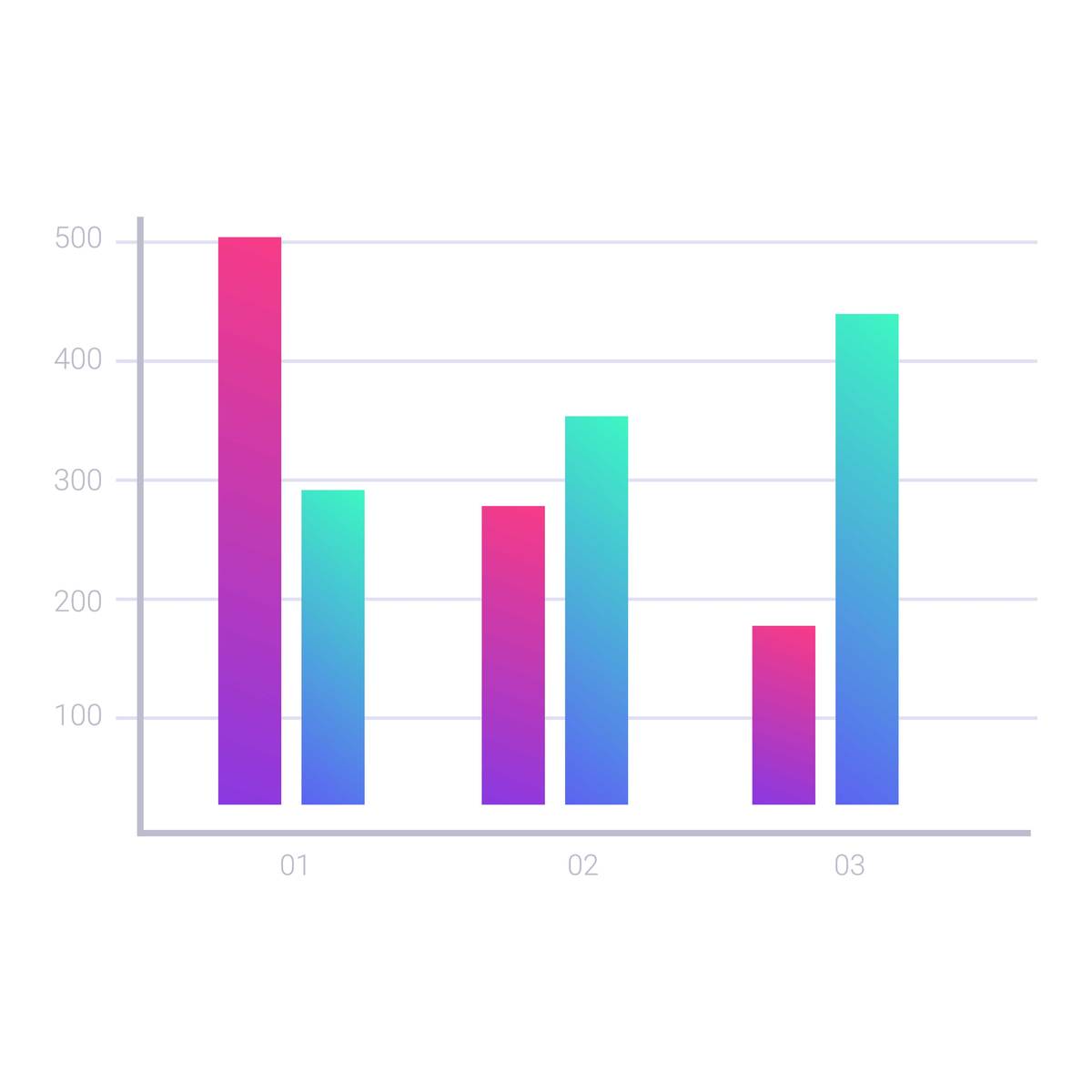
在 g2plot 中,可以使用 interval 函数创建条形图,并使用 color 属性来设置颜色。要使用渐变色填充条形图,可以在 color 属性中传入一个数组,数组中每个元素都是一个对象,对象包含两个属性:offset 和 color。offset 表示渐变的位置,取值范围为 0~1,表示从左到右渐变的位置;color 表示渐变的颜色。
具体实现步骤如下:
-
导入必要的模块:
import { Chart, Interval } from '@antv/g2plot'; -
创建数据源:
const data = [ { type: 'A', value: 10 }, { type: 'B', value: 20 }, { type: 'C', value: 30 }, { type: 'D', value: 40 }, { type: 'E', value: 50 }, ]; -
创建渐变色数组:
const color = [ { offset: 0, color: 'red' }, { offset: 0.5, color: 'yellow' }, { offset: 1, color: 'green' }, ]; -
创建条形图并设置属性:
const plot = new Chart({
  container: 'container',
  autoFit: true,
  height: 500,
});

plot.data(data);

plot.scale({
  value: {
    nice: true,
  },
});

plot.axis('type', {
  label: {
    offset: 12,
  },
});

plot.interval().position('type*value').color('value', color);
在
color属性中传入了color数组,并将value字段作为颜色的映射字段,从而实现了渐变色填充。
完整代码如下:
import { Chart, Interval } from '@antv/g2plot';

const data = [
  { type: 'A', value: 10 },
  { type: 'B', value: 20 },
  { type: 'C', value: 30 },
  { type: 'D', value: 40 },
  { type: 'E', value: 50 },
];

const color = [
  { offset: 0, color: 'red' },
  { offset: 0.5, color: 'yellow' },
  { offset: 1, color: 'green' },
];

const plot = new Chart({
  container: 'container',
  autoFit: true,
  height: 500,
});

plot.data(data);

plot.scale({
  value: {
    nice: true,
  },
});

plot.axis('type', {
  label: {
    offset: 12,
  },
});

plot.interval().position('type*value').color('value', color);
原文地址: https://www.cveoy.top/t/topic/ERL 著作权归作者所有。请勿转载和采集!